Product pictures are essential materials when it comes to e-commerce. If you intend to take the front row with appealing photos that highlight your products, a unique and catchy image works best.
Here are the six best AI photo editors you can explore for e-commerce and save time on traditional image editing.
Designkit
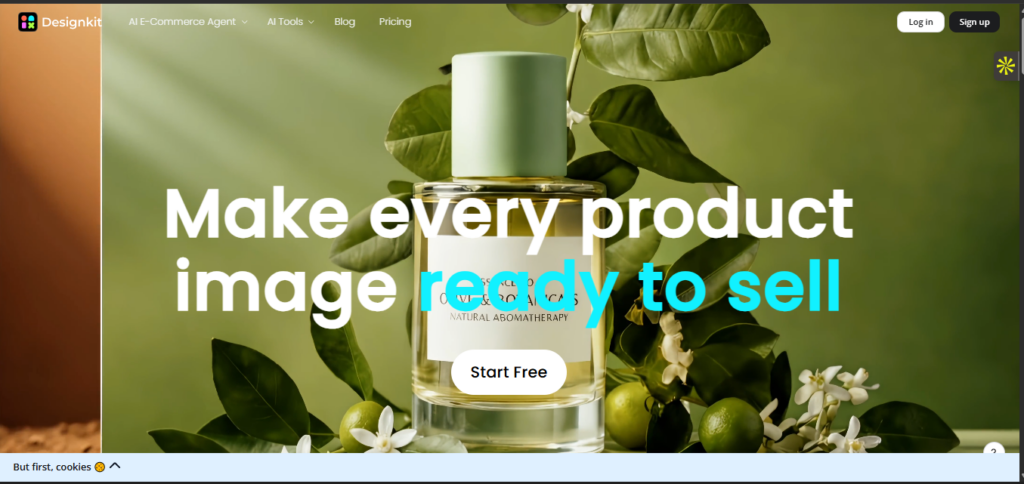
Designkit is one of the best online photo editors for major file formats and e-commerce. You can effortlessly edit product images with a simple upload and features. The multipurpose photo editor provides an extensive editing dashboard.
Resize or retouch your image to fit the content of your product. If you need a product listing generator for e-commerce, Designkit is a plus with all forms of accuracy. Smooth the skin and tone with smart tools and export your file in high quality.
You can also touch textures and labels of images with the details preserved. Designkit works for product photography. And you will find the right tool on the page that handles your task all around. If you are a photo editor, it makes your workflow simple and fast, and you will get the results in seconds.
Key Features
- Upscale low-quality image without reshoots.
- Allows users to swap backgrounds.
- Customizable texts in images with one click and auto removal for unwanted objects.
Pricing
Provides a free trial for users to explore the product capabilities. The essential version starts at $9, and Pro begins at $35/month.
Photoroom
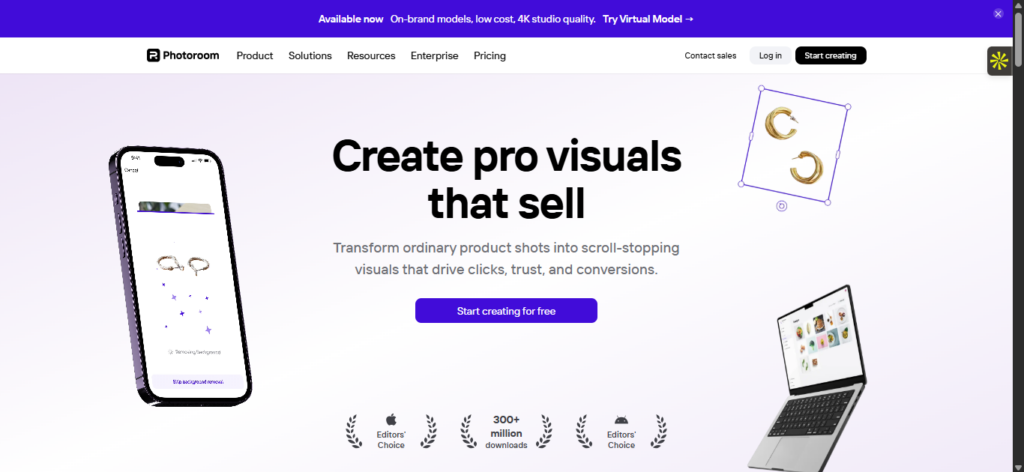
In e-commerce, quality visuals drive clicks and aid in conversions. Photoroom AI editor is a tool to create visuals that sell. The AI photostudio comes as an all-in-one tool for users to make their picks. You can also use it for product listing without design skills.
If you want to tweak your image features, Photoroom provides instant background removal. No back and forth. Plus, the app version is easy to handle on mobile without having to walk around with a PC.
Key Features
- Editor for sellers to remove backgrounds.
- Easy to use with no design skills needed.
- Creates on-brand visuals at scale.
Claid.ai
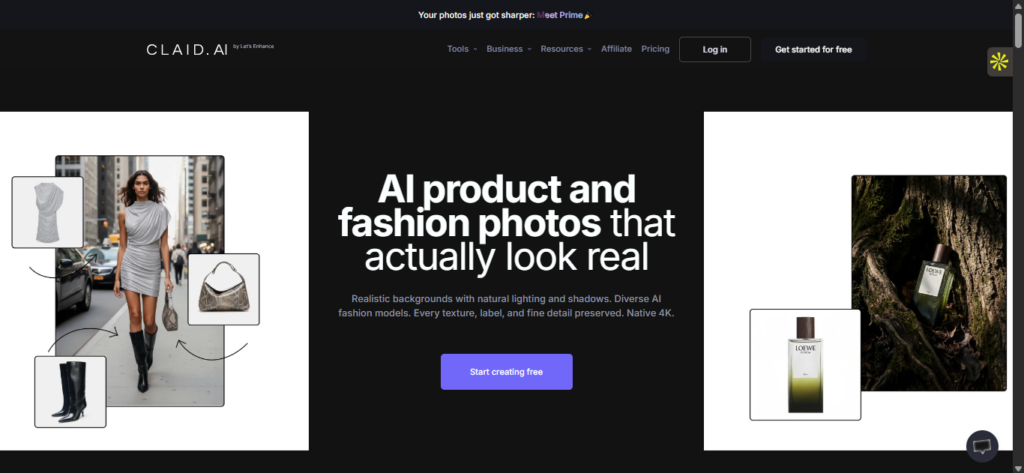
One of the best editors for AI products and fashion photos is claid.ai. If you want images that look real, this tool offers just that without artificial aesthetics. From diverse AI editing models to realistic backgrounds with natural lighting and shadows, the AI is handy for edits. It comes as an all-in-one AI photo studio.
The claid AI photoshoot video editor places product photography in an editorial and lifestyle scene. Need fashion models? It turns garments into professional on-model shots. Optimize your pictures to studio quality. Also, you can edit images to high-converting copies that suit catalogs and marketing techniques that engages your customers.
Key Features
- APIs generate high-converting product shots for marketing and ad campaigns.
- Auto-edit images for any platform requirements in a few seconds.
- Upscale product image resolution to preserve details and logos.
- AI studio suite with multiple tools.
Pricing
Provides a free trial for users to explore the product capabilities. The essential version starts at $9, and Pro begins at $35/month.
Pebblely
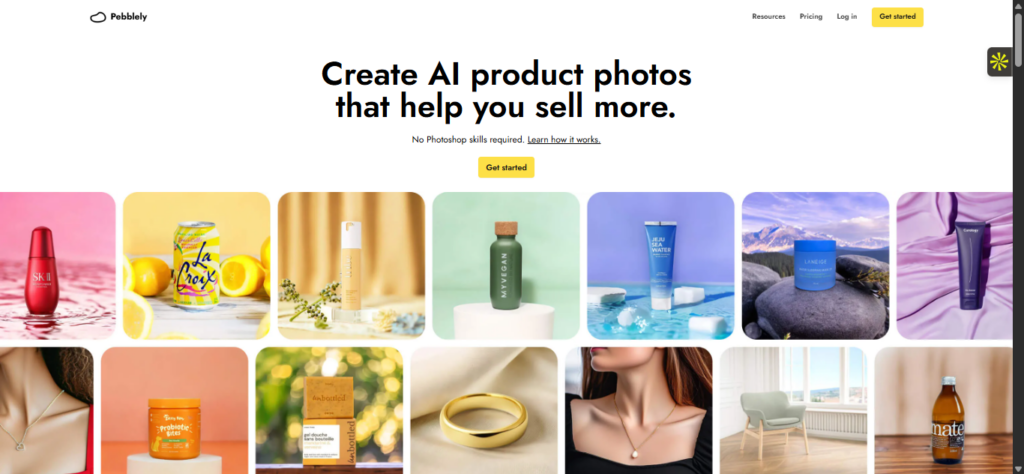
Generate real lifestyle scenes for your product images with the Pebblely AI. Background is a do-without in images, and it is one of the noticeable features. This AI tool fits in with authentic background generation that looks natural without having to stress out about visiting studios. No worries, it stands out just like a professional photograph. It supports different product categories and photography ideas.
While you can generate your preferred background with custom prompts, the AI creates a contextual environment that makes it match. There is no Photoshop skill required, and you can create an AI product that lets you sell better. If you are into e-commerce, you can leverage the AI editor for marketplace listing photos. It also comes as a plus to push out social media content.
Key Features
- Creates lifestyle images for ads and startups.
- Generates product photos in bulk with similar or varied backgrounds.
- Hundreds of templates for users to navigate without Photoshop skills.
- Customizable background settings.
Flair.ai
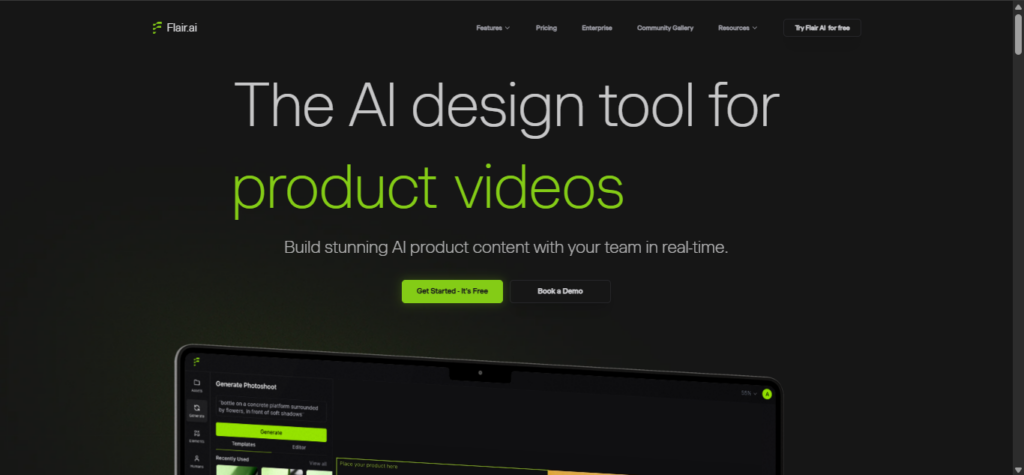
Flair AI is a plus for e-commerce and a product photography platform. The AI tool is usable for product images and catalogs. And to maintain your brand identity across different sections. Aside from custom model image generation, Flair offers other photo tools. You can edit and refine images all around with the assistance of the AI.
With a simple upload, you can recreate and modify image backgrounds. Create studio-quality e-commerce photoshoots in seconds with the drag-and-drop AI editor. It is that simple. If you are running a team for your e-commerce, the photo editor supports team collaboration to work together in real-time.
In an instance where you want to replace the human in the image, you can regenerate. And change the pose to fit your brand look. The AI supports image scaling to improve quality, and you can extend the dimensions for enhanced resolution.
Key Features
- Upscale images for high-resolution exports.
- Supports digital scenes with drag & drop props.
- Comprehensive suite of image editing tools, including product image regenerator.
- Virtual try-on of different clothing items for high-quality images.
Pricing:
Offers a permanent free plan that covers basic features. Pro starts at $8/month with a custom price for enterprise.
Zawa
Need a mobile photo editing app that you can easily navigate through? Zawa is one of your go-to options. The AI editor comes with an easy-to-use interface. With a simple upload, you can enhance the image quality, remove the photo backgrounds or create amazing assets such as logos, menus, posters, and more with AI.

Whether you have a small business or are looking to share the best product images for e-commerce, it comes in handy with multiple features. If you are new to editing, the multiple templates and layouts offer a guide with picture presets. Plus, you can export your clean images in high quality.
Key Features
- It works best for creating consistent brand assets for e-commerce.
- Comes with hundreds of templates for users to make their picks.
- Works on both web and mobile.
- Create logos, posters, menus in one click.
Pricing
Offers a free version. Pro starts at $5.83/month.