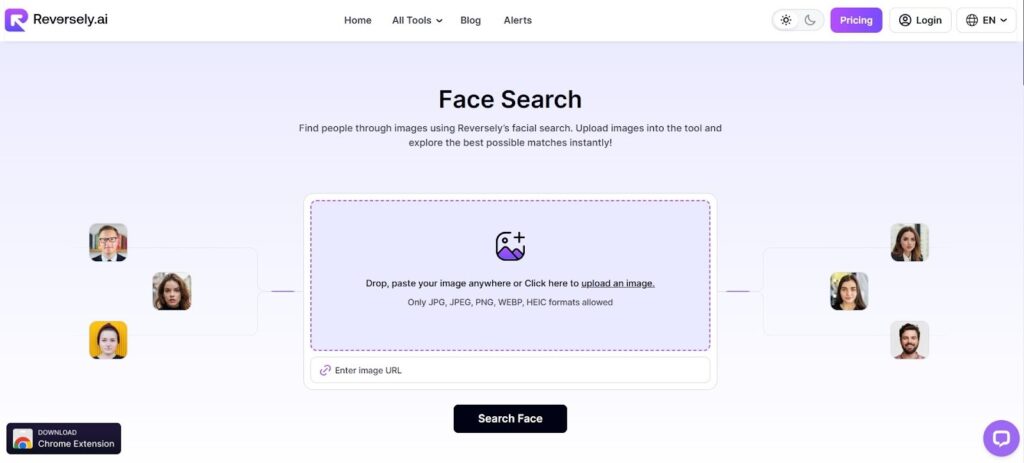
Seeing a face online does not always mean the person behind it is real. Many people have adopted the habit of creating profiles using images downloaded from other websites. Therefore, it is extremely important that the person’s identity be verified.
This is where Reversely.ai can play an important role. The tool uses advanced face recognition technology to scan the person’s face and compare it with images available on the internet. The technology compares facial features with images available on the internet.
Read this article to know more about this AI face search tool.
Why Reversely.ai is a Powerful Tool for Identity Verification?

Reversely.ai AI face finder helps users verify a person’s identity by checking whether a face image appears on multiple websites across the internet. The tool improves online safety by revealing whether someone is using a stolen or reused photo to create a fake profile. It also saves time by automatically scanning multiple online sources rather than requiring manual searches. Another advantage is that it works quickly, allowing users to get results within seconds after uploading an image. This makes the tool helpful for people who want to check suspicious profiles before trusting someone online.
How Reversely.ai Face Search Detects Real or Fake Faces?
Reversely.ai face search follows a systematic process to determine whether a face image is real or has been reused elsewhere on the internet.
To understand how this technology works, read the details below.
Uploading the Image for Instant Facial Analysis
The first step involved in using this face finder is to upload an image for verification. The tool allows users to upload an image from a device, a link to an image, or the clipboard. After uploading an image, it starts analyzing it immediately.
At this stage, the tool recognizes the face in the image and distinguishes it from other components. This allows it to focus on analyzing the face rather than other components. The clearer the facial data, the better it can be used to produce precise results.
Facial Feature Mapping Through AI Recognition
Once the face has been detected by Reversely.ai, the artificial intelligence then identifies important facial features or landmarks. These features include the positions of the eyes, nose, lips, and jaw, as well as the size of the face. Every face has its own unique features or measurements, and it is through these measurements that a digital pattern is created.
The digital pattern works like a fingerprint for each face. It examines structural features that remain constant regardless of image quality. It is through feature mapping that Reversely.ai can easily identify faces, even if the image has been altered before it is uploaded online.
Internet-Wide Image Comparison
Once the face is generated, the tool starts scanning its own database and publicly available images on the internet. The site scans various online sources for an image with a similar facial structure.
The utility does not just look for an exact match for the face. It can also find an image that is visually similar to the face uploaded. This helps in finding whether a particular face is available on other websites or profiles across the internet. If an image is reused elsewhere, the tool shows exactly where it is used.
Detection of Edited or Cropped Photos
Scammers often modify images before uploading them to avoid detection. They may crop the photo, add filters, change brightness, or resize the picture. This face lookup tool is designed to recognize faces even after such modifications.
The system focuses mainly on facial geometry. Since facial structure usually remains unchanged, the tool can still match the image with its original version. This feature helps users discover the real source of photos that have been edited or partially hidden. It becomes especially useful when checking suspicious accounts that try to disguise the original image.
Displaying Matching Results for Verification
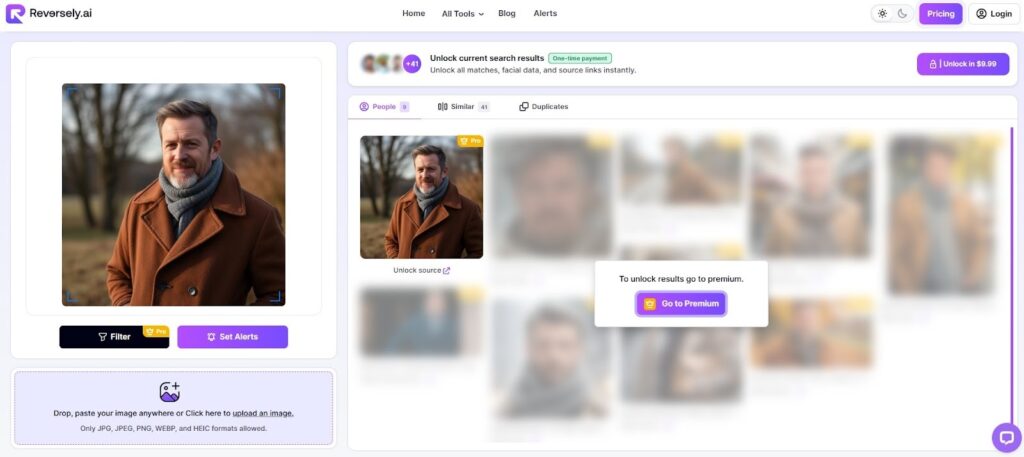
Once the search is complete, the tool will display a list of results containing visually similar faces. The results will usually include the source website where the image is found. The user can view the source to see how the image is being used on the internet.
When viewing the results, it is easier to determine whether the image is of a real person or duplicated across many sources on the internet, indicating a fake identity.
Multi-Source Face Search Across the Web
This advanced face search tool enables it to search for faces across multiple sources on the internet. Instead of searching one source at a time, the tool can search multiple sources on the internet simultaneously. These sources include the different places on the internet where people can share images.
These places include websites, blogs, and other pages on the internet. The tool can trace the source of an image by searching multiple online sources. The tool can trace whether the image is related to multiple sources on the internet. This could mean the image was copied from another source.
How to Use This Face Search?
To use this tool, you need to follow these steps;
- Visit the face search on reversely.ai.
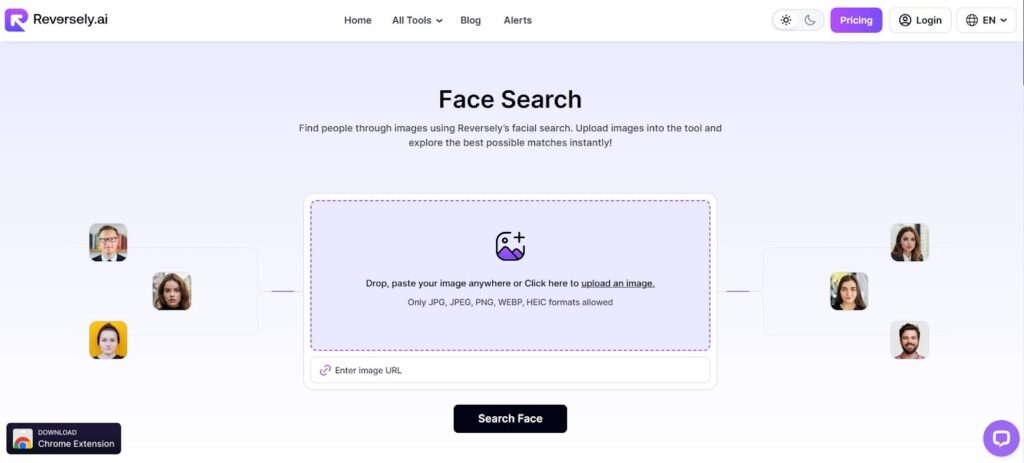
- Select a photo from your device or upload it from the clipboard.

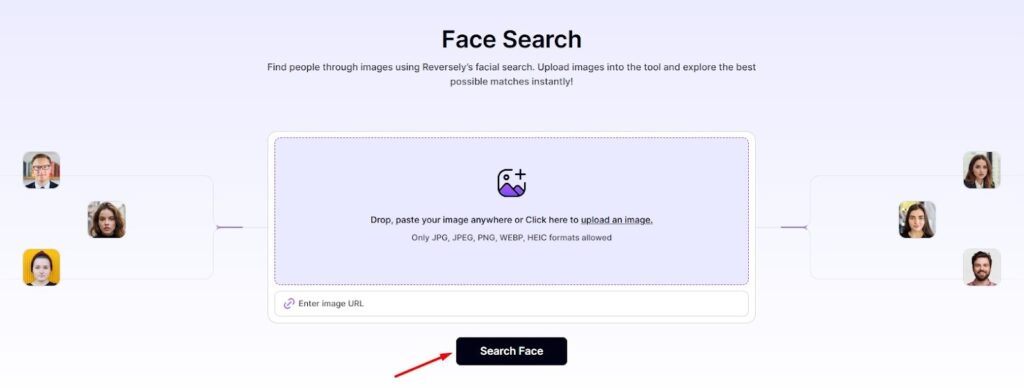
- Click the search face so the tool can analyze facial features and scan the internet.
- Look at the matching images and websites where the face appears.
Conclusion
Verifying a face online has become essential in today’s digital world. With tools like Reversely.ai Face Search, checking an image no longer requires complex methods. A single upload allows the system to analyze facial features and search the internet for matches. This process helps determine whether a photo belongs to a real person or has been reused elsewhere, making online interactions safer.